Why this article series?#
I’ve been gradually evolving my home infrastructure for a while now, adding building blocks as needs and ideas come up. The result today is a setup that works, but looks more like a pile-up than something properly thought out and optimised. Network, servers, home automation — everything deserves a proper overhaul.
So I’ve decided to start over from scratch, step by step, and document every stage here. The idea is to share the full journey: the choices, the struggles, the improvements. I figured if it interests me, it might inspire or help other enthusiasts along the way!
In this first part, we’ll take stock of what’s currently in place. It’ll lay the groundwork for what comes next.
The current network infrastructure#
The main rack#
Everything starts here. The main rack sits at the fibre entry point and houses the following:
- The fibre connection with the optical socket
- A Freebox Ultra router provided by Free (French ISP) — it acts as the router, DHCP server and Wi-Fi 7 access point. It has both 2.5G and 1G ports
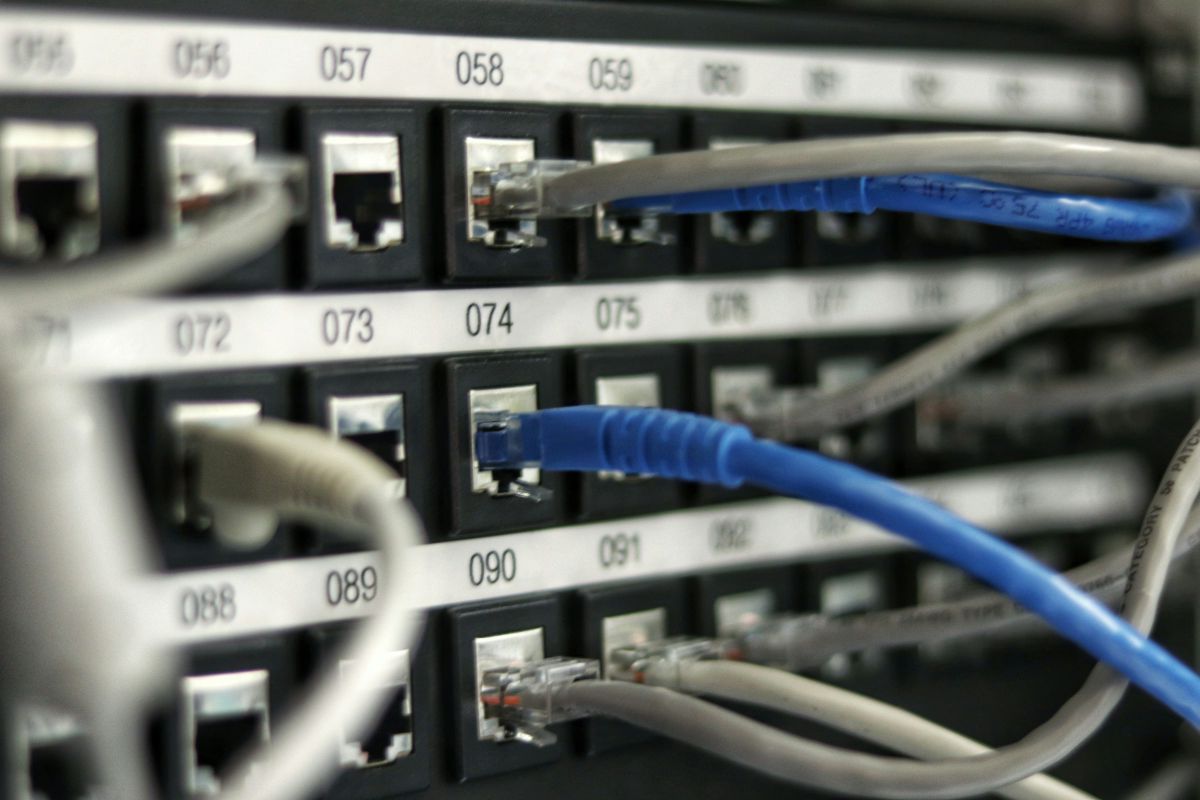
- A patch panel serving RJ45 sockets across the different rooms
- A Raspberry Pi hosting my Home Assistant instance for home automation
- All housed in a 10-inch, 12U rack I bought on Amazon
No switch in this rack for now — everything is plugged directly into the Freebox router’s ports. Bandwidth-wise, I’m on a Free plan with 8 Gbps symmetrical in theory, but in practice the entire wired network runs at 1 Gbps for the time being. This rack will be covered in detail in upcoming articles as it’s going to evolve significantly.
My office#
In my office, right at the wall-mounted RJ45 socket coming from the main rack, there’s a Netgear 5-port unmanaged Gigabit switch connecting the various devices:
- A Wi-Fi 7 repeater provided by Free, to ensure wireless coverage in this area
- An Ethernet cable running through a wall and under my floor to a second wall-mounted RJ45 socket on the opposite side of the room for my desk workspace
- A second rack dedicated to the homelab
The homelab rack#
This is where things get interesting. This rack is dedicated to lab work and experimentation:
- An OPNsense router running on a Zimaboard, positioned as the frontend to manage homelab traffic
- 3 Dell Optiplex Micro mini PCs forming a Proxmox cluster for virtualisation
The OPNsense router isolates the homelab network from the rest of the home network to avoid polluting and being polluted by the domestic network.
Home automation#
On the home automation side, everything goes through Home Assistant installed on the Raspberry Pi in the main rack. For now, the scope remains fairly simple:
- Lights: controlling a few smart lights
- Shutters: automated opening and closing
- Sensors: temperature and humidity across several rooms
- 3D printer: remote monitoring and control
It’s already working great but there’s clearly still work to do to take things further, whether it’s the number of integrated devices or the automations.
What works, what could be better#
Currently everything runs pretty well. But there are quite a few things that deserve improvements and optimisations:
- The network is capped at 1 Gbps while the fibre pushes 8 Gbps — it’s a bit of a waste not to take advantage of it
- The network depends on the Freebox’s features — even though it probably has one of the most complete ISP-provided OS, it’s still limited: no ability to create virtual networks or do more advanced routing
- No switch in the main rack — everything relies on the Freebox router’s ports, which limits the possibilities
- No UPS — in case of a power issue, everything shuts down immediately and could damage some services
- The network gear isn’t manageable — hard to monitor or optimise anything
- Home automation is functional but basic — there’s potential to do much more
What’s next?#
Now that we’ve laid out the current state, we can get down to business! Here’s a rough overview of what’s planned for upcoming parts:
- Complete network overhaul: managed switches, VLANs, making the most of the available bandwidth
- Proxmox cluster optimisation: clean reinstall, organising VMs and containers
- Monitoring: setting up a supervision stack to keep an eye on everything
- Home automation evolution: migrating Home Assistant, adding new devices and automations
Each step will get its own dedicated article with updated network diagrams along the way. We’re starting from scratch, documenting everything, and properly evolving this entire infrastructure.
See you soon for the next part!