In part 3, we installed and configured the whole UniFi network: the UCG Fiber as the main router, VLANs to segment things, Wi-Fi 7 with the U7 Lite. The fibre is humming, the network is tidy. But there’s one thing I haven’t dealt with yet: what happens the day the fibre goes down?
That’s exactly the topic of this part 4, and it’s good timing because I’ve got a little something new to show you.
Transparency first: this article is the result of my first partnership, with Teltonika Networks. In practical terms, I received the router shown here for free. I’m not paid by the brand and I’m under no obligation to deliver any particular outcome. So I’m entirely free to say what I want: I’ll talk about both the good sides and the points that, in my opinion, deserve to be improved. It’s my first partnership (hopefully not the last) and I’m honestly proud of it, but it doesn’t change the rule I’ve set myself: I say what I think.
Why an Internet backup?#
These days, everything goes through the fibre: remote working, home automation, the homelab and its exposed services (even if there aren’t many for now), not to mention everyday life around the house. An outage of a few hours does happen, and when it lands in the middle of a workday, it’s immediately a pain. Speaking of which, since setting up the UCG Fiber, I’ve had easier access to stats on the uptime of my Free fibre line: I haven’t had any outage, apart from power cuts - which I fully intend to deal with later on too.
The idea behind a backup (or failover) is to have a second Internet connection, independent of the fibre, that automatically takes over if the main one goes down. And to get a link that’s truly independent of the fibre, 5G is the ideal candidate: it doesn’t go through the same cable, nor the same provider, nor the same infrastructure all the way to the house.
The UCG Fiber handles WAN failover natively. I was just missing the hardware to provide that second link: a 5G router. This is where the Teltonika Altos comes in.
The Teltonika Altos#
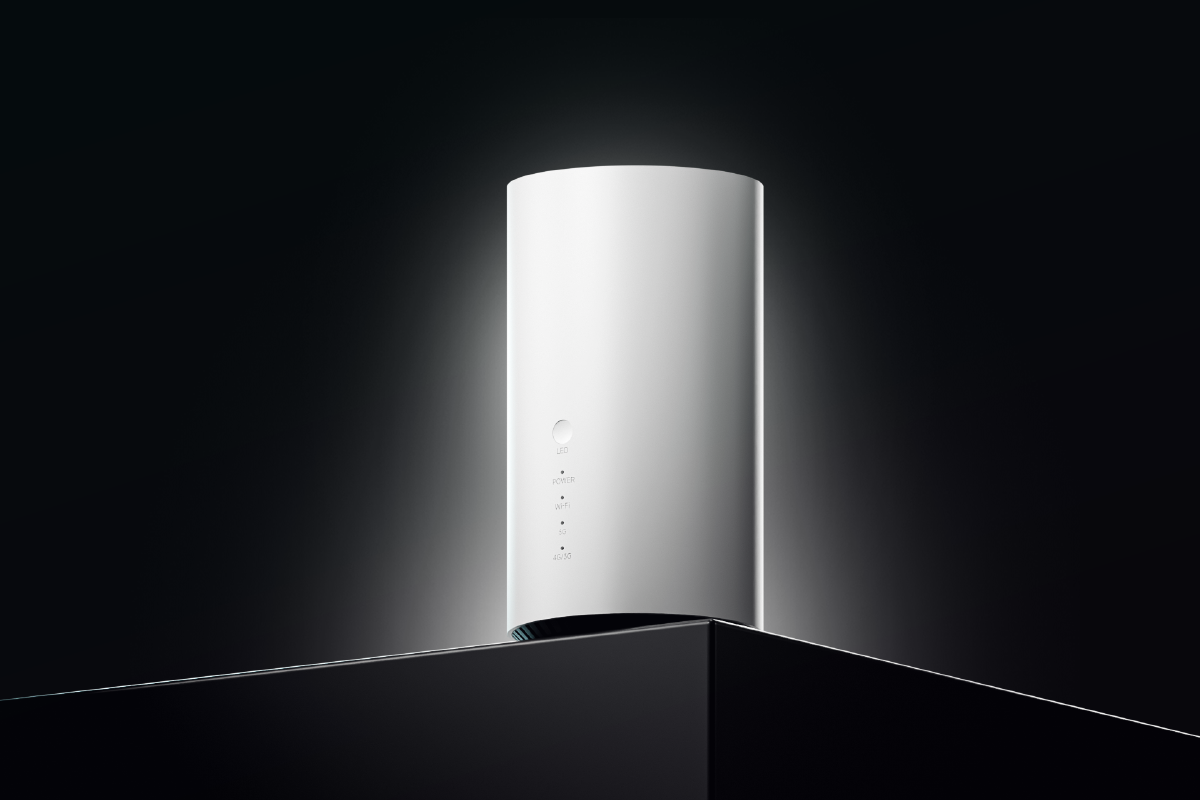
Teltonika Networks is a Lithuanian manufacturer that’s very well known in the world of industrial IoT and pro networking: their cellular routers run in factories, kiosks, remote sites, basically kit that has to run without flinching. The Altos (model CAP700) is their 5G Wi-Fi 7 router designed for Fixed Wireless Access (FWA), in other words for bringing Internet to a home or a small office over the mobile network.
What interests me here isn’t really the Wi-Fi (I’ve already got my UniFi network for that), but the 5G side: its ability to provide a fast, reliable Internet link that I’m going to plug in as a backup on the UCG Fiber.
The tech specs#
| Model | Teltonika Altos (CAP700) |
| Mobile module | 5G NR up to 4.0 Gbps DL / 900 Mbps UL - 4G LTE Cat 19 (1.6 Gbps DL / 200 Mbps UL) - 3G |
| 3GPP release | Release 17 |
| SIM | 1x Nano SIM slot (4FF) |
| Wi-Fi | Wi-Fi 7 (802.11be), dual band, 2x2 MIMO, up to 128 clients |
| Ethernet | 1x 2.5 GbE port (WAN/LAN) + 1x 1 GbE port (LAN) |
| CPU / RAM / Storage | Qualcomm / 1 GB LPDDR4 / 8 GB eMMC |
| Antennas | 6x internal mobile antennas + 2x internal Wi-Fi antennas |
| Power | 12 VDC (barrel jack) - Idle < 8 W, Max < 24 W |
| OS | RutOS (Linux based on OpenWrt) + RMS management |
| Dimensions / Weight | Ø 100 mm x 185 mm / 720 g |
| Temperature | 0 °C to 45 °C - IP30 (indoor use) |
On paper, it’s serious kit. We’re a long way from a consumer 4G router: RutOS packs the full networking arsenal of a pro device (VLANs, a complete firewall, a good dozen VPN protocols including WireGuard and Tailscale, detailed mobile signal monitoring…). It’s almost too much for my use case, since I’m just going to use it as a 5G modem behind the UCG Fiber, but we’ll see that those detailed diagnostics are actually good news. The most important point for our use is therefore its 5G capability, which is compatible with both NSA (Non-Standalone) and SA (Standalone). If those terms mean nothing to you, just know it’s compatible with future 5G developments that the operators haven’t even deployed yet, so we’ll be good for many years with this. I’ll write dedicated articles on 5G because it’s a subject I’m passionate about (and one I specifically worked in for a few years).
Unboxing#
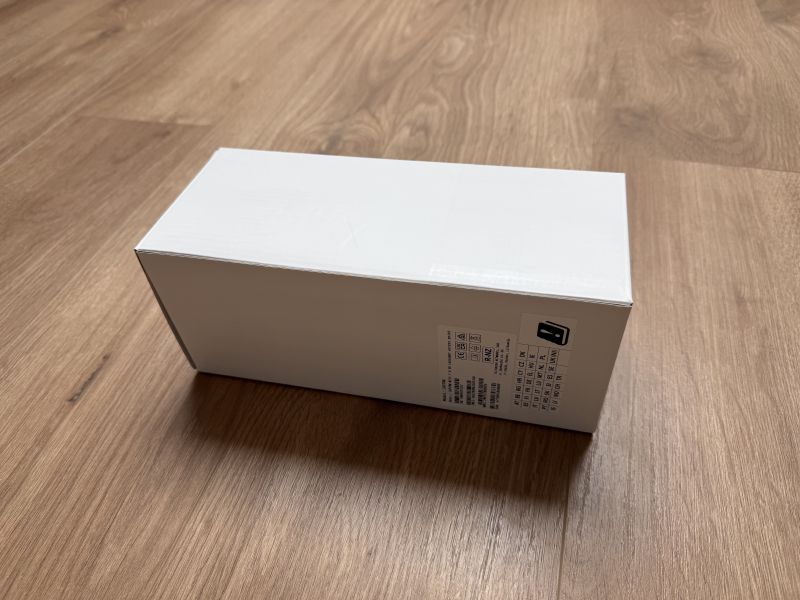
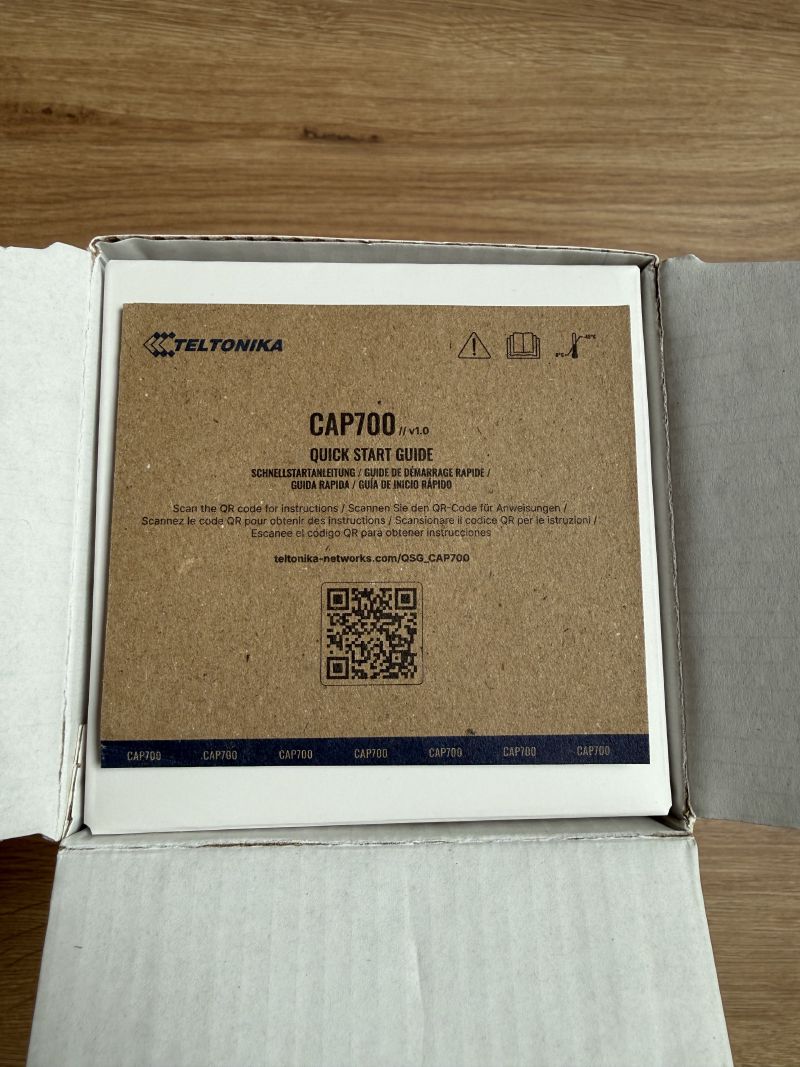
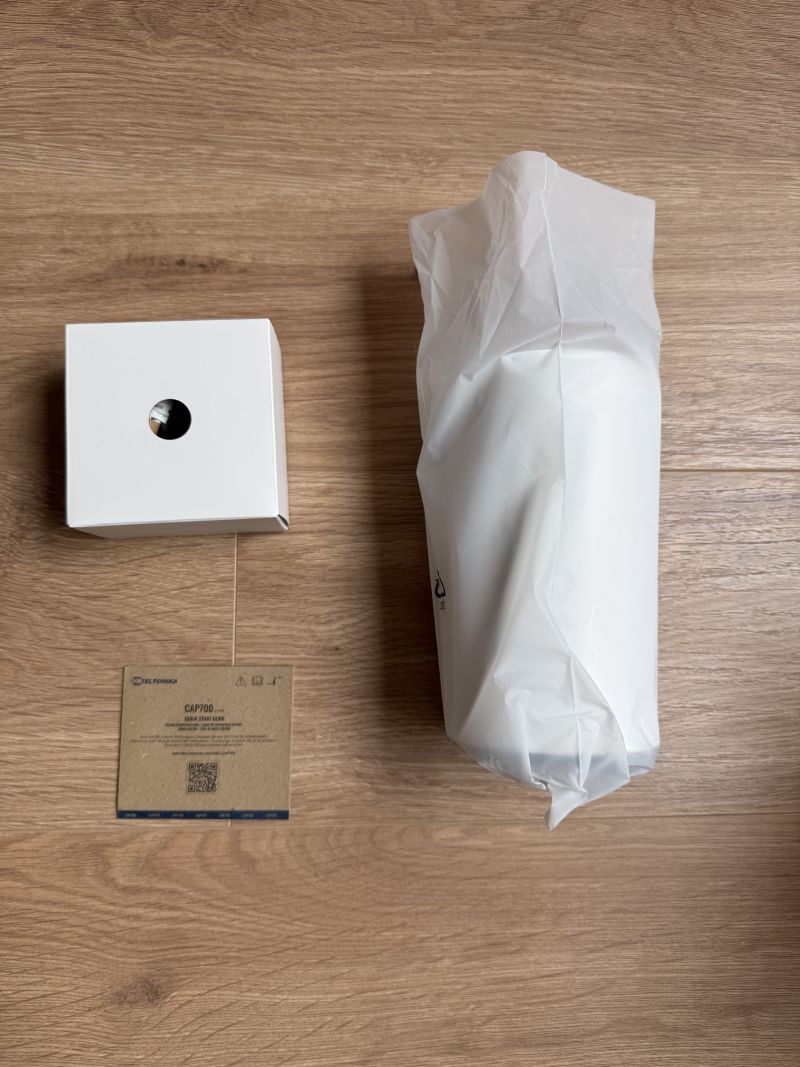
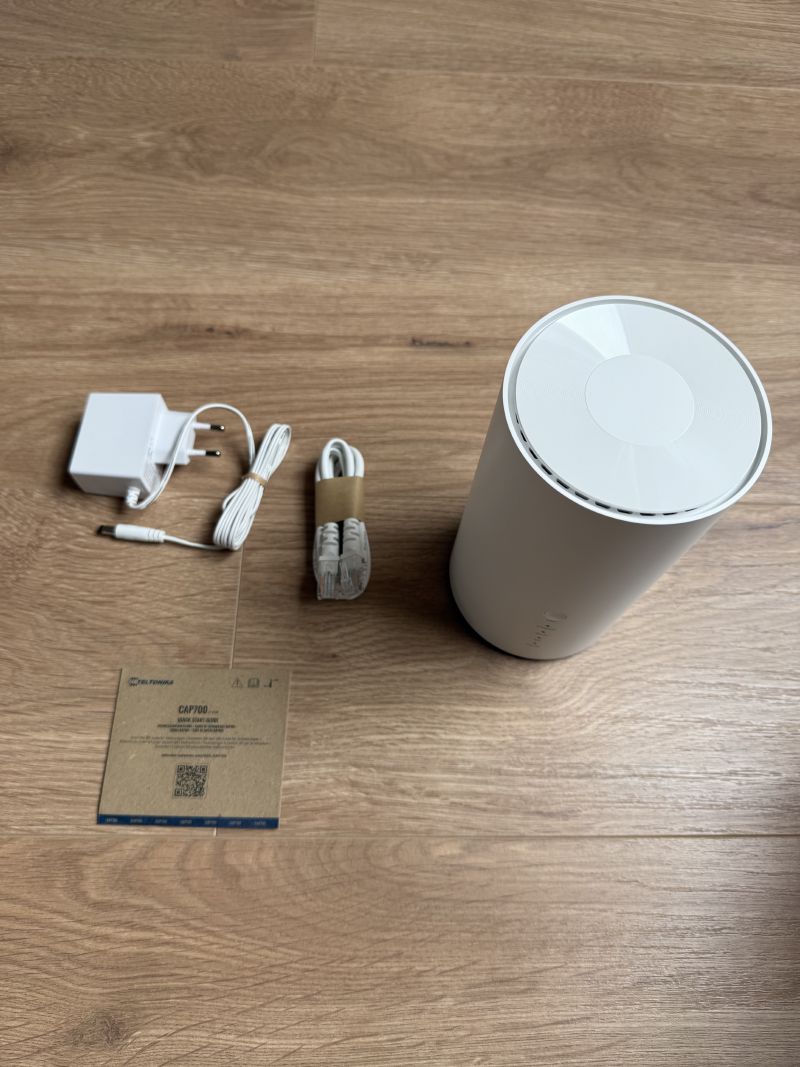
On opening it, you find the polished feel you’d expect from a serious manufacturer. In the box:
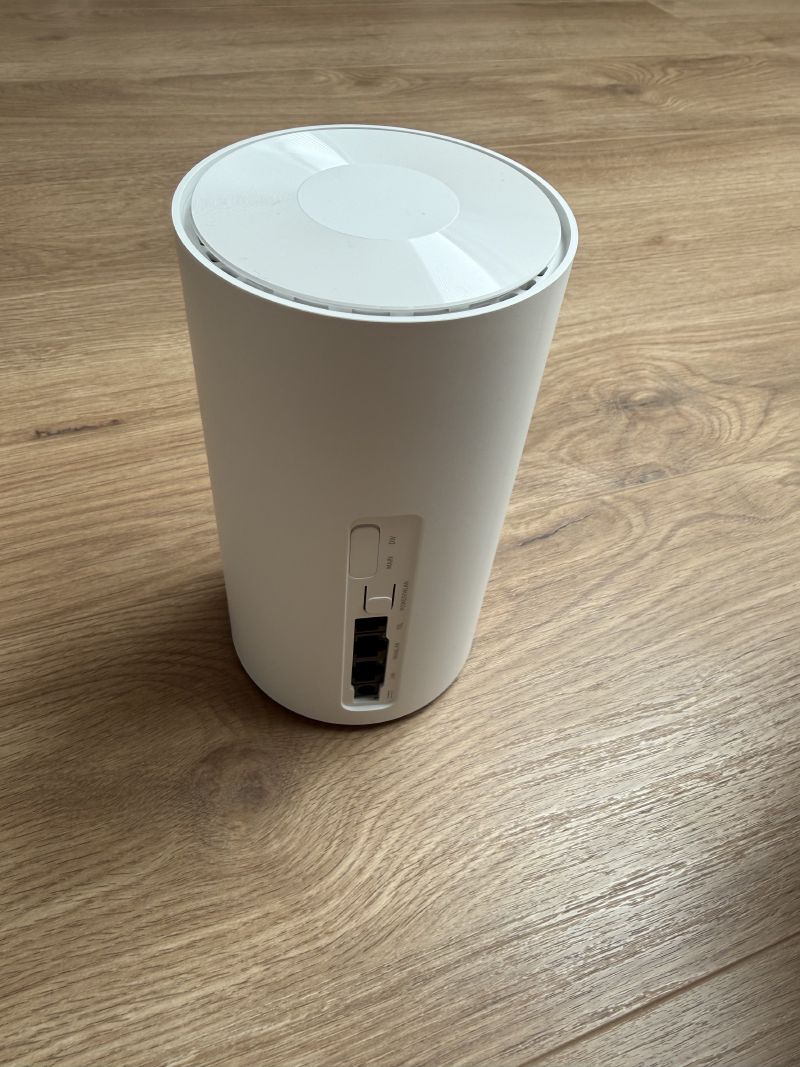
- The Altos router itself, a tall column form factor (Ø 100 mm x 185 mm)
- The 12 VDC power supply
- An Ethernet cable
- The getting-started guide
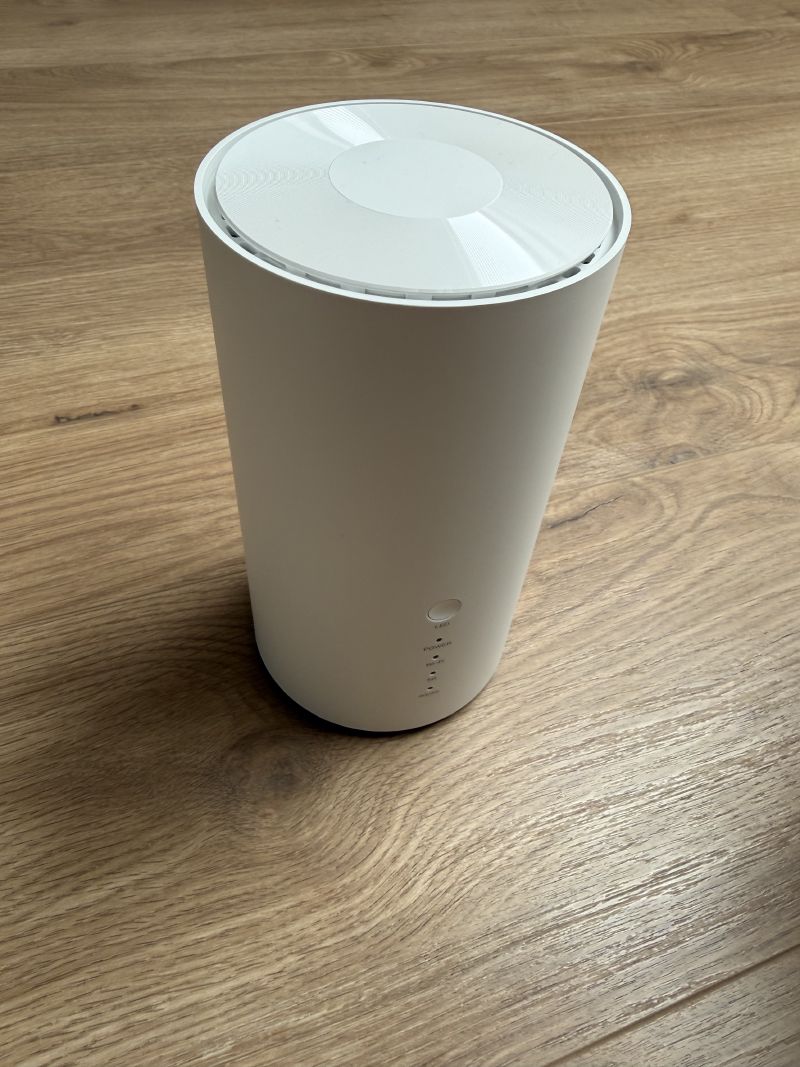
First physical observation: the vertical cylindrical form factor is rather clever for a piece of kit that’s going to live in a living room or an office. It’s understated, it doesn’t scream “industrial networking gear”, and the antennas are all internal (6 for mobile, 2 for Wi-Fi), so no forest of external antennas to orient - though there is the option to connect external antennas (not supplied). For placement at home, that’s appreciated.
A word on the SIM: thanks Bouygues#
For a 5G router to be of any use, it needs a SIM card with a data plan. And here, I got lucky with my carrier.
I’m with Bouygues Telecom for my mobile plan, with a 100 GB monthly allowance that I’m nowhere near using up. The option that interests me: for €4 more per month, I can get a second SIM card that shares the same data allowance as my main line.
That’s exactly what I need for this project:
- No second subscription to sign up for, so no significant fixed cost
- 100 GB shared, plenty for a backup use case (the link only kicks in when the fibre goes down)
- A standard physical SIM card, perfectly compatible with the Altos’s Nano SIM slot
€4 a month for a backup connection, hard to do better. Of course, 100 GB wouldn’t be enough if 5G became my main connection during a long outage, but to get me through a few hours, or even a day, it’s perfect - in any case it’ll do the job for a good while, I reckon.
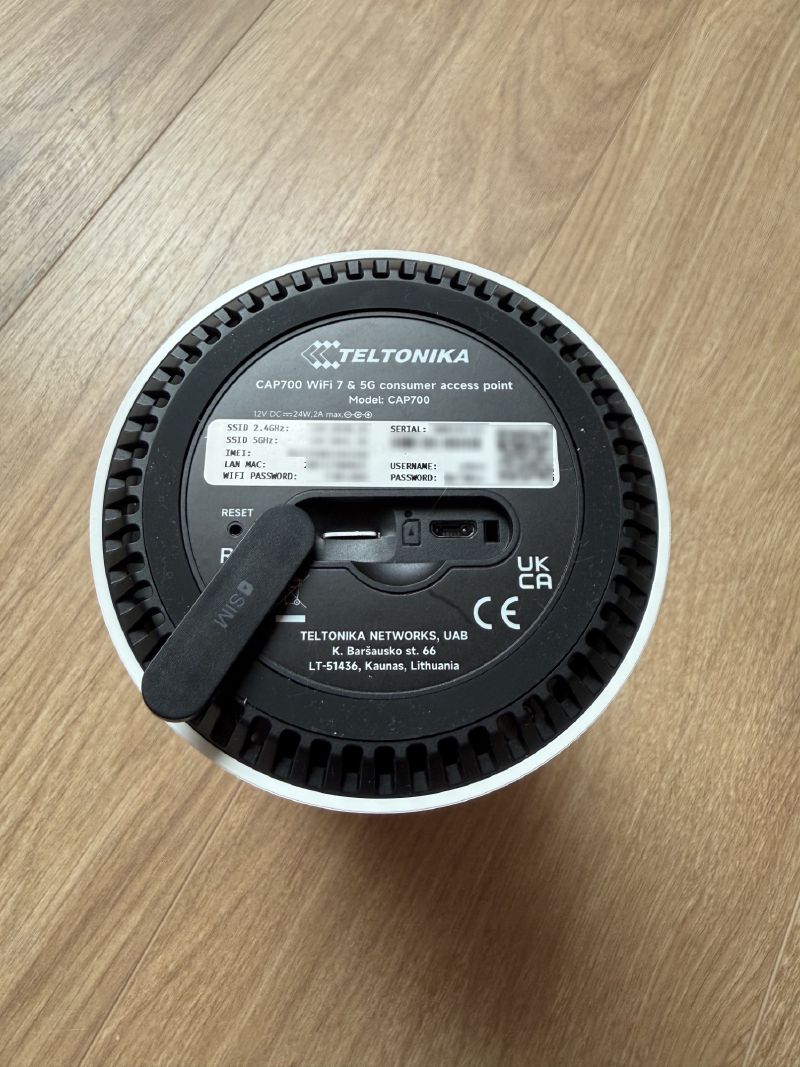
So I slot the Nano SIM into the slot provided on the back of the router, and we move on to powering it up.
First boot#
As with the UCG Fiber in the previous part, I start by configuring the Altos on the desk, before properly integrating it into the network. That avoids turning everything upside down all at once.
Once powered up and with the SIM inserted, the router boots and the status LEDs light up (power, Wi-Fi, mobile connection type, LAN status). All that’s left is to reach its admin interface.
For that, two options: connect to the router’s Wi-Fi, or plug it in directly over Ethernet. In both cases, the information you need - the default Wi-Fi SSID and password - is printed on the underside of the router (on the label you saw earlier). Once on the same LAN as the Altos, you open https://192.168.1.1 in a browser to land on the login page of RutOS, Teltonika’s web interface. You log in with the admin account and the default password, also shown on the underside of the router.
On my end, I did it from my phone over Wi-Fi, no trouble at all.
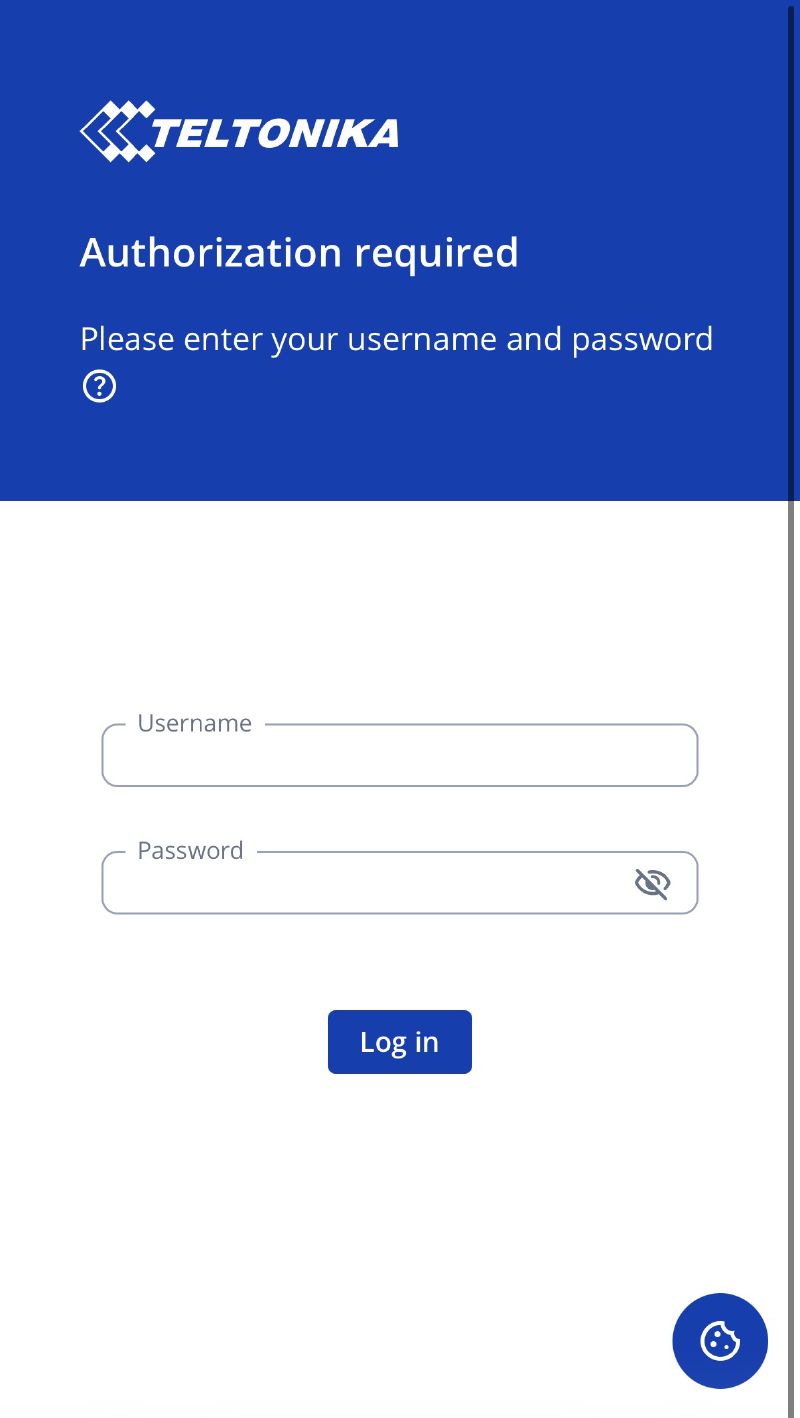
Now, a complete change of mood compared to the UniFi experience. UniFi goes for an ultra-slick, consumer-friendly interface; RutOS, on the other hand, owns its pro/industrial side: it’s dense, there are a huge number of options, and you can tell the tool was designed for network integrators rather than for the general public. That’s not a flaw in itself, but you need to know it: we’re not on the same turf.
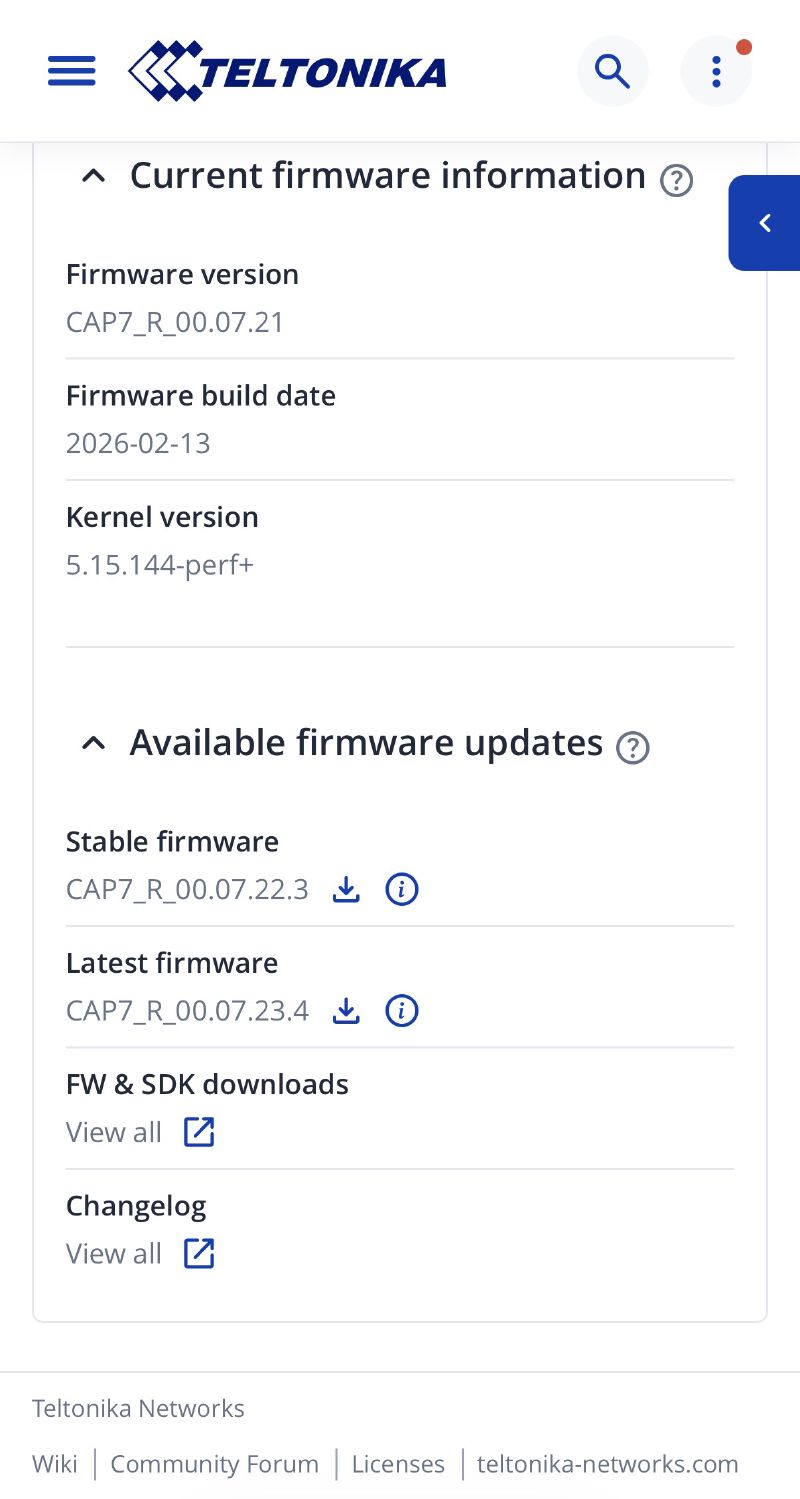
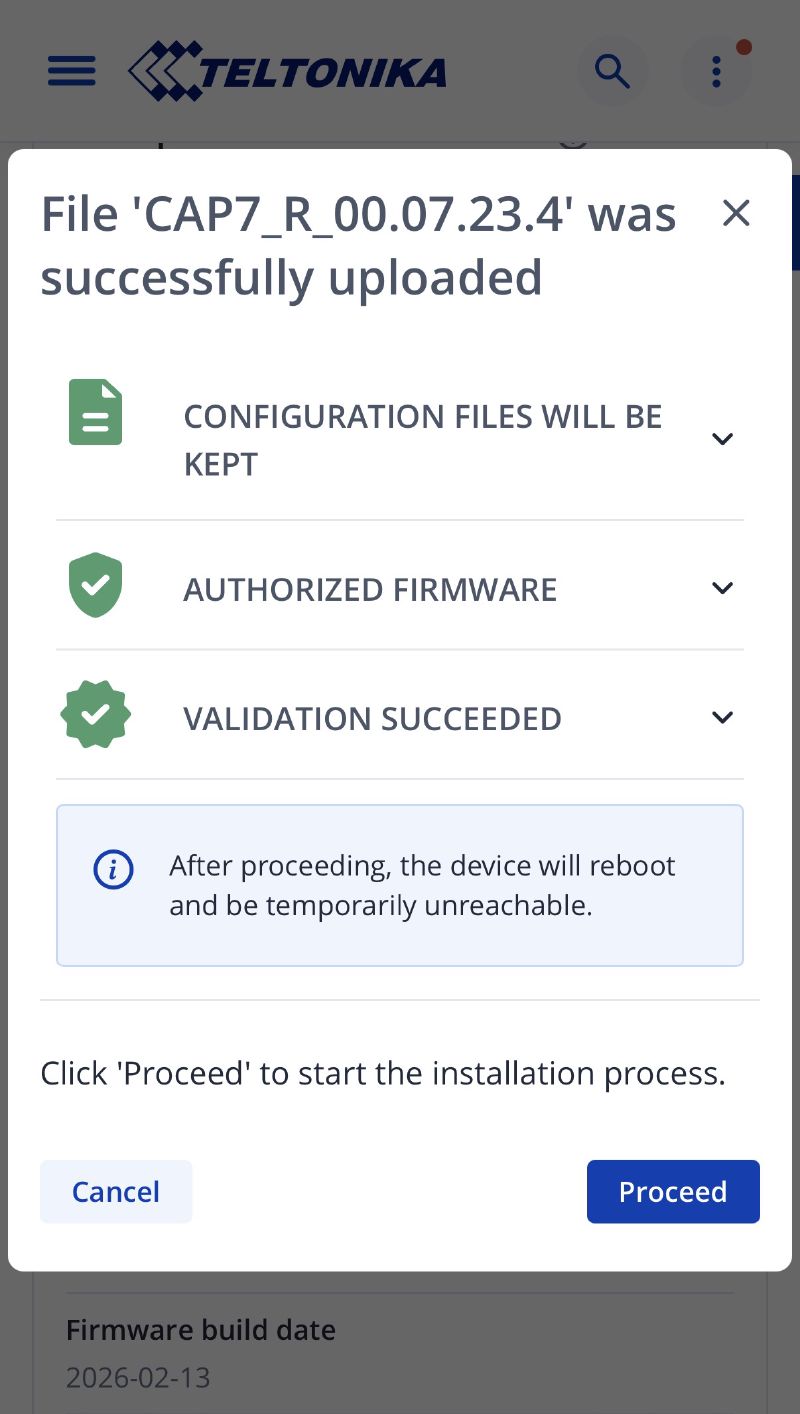
On first login, you’re guided by a wizard: firmware update, then setting the time zone, the LAN, the Wi-Fi and changing the admin password. For our use, we won’t need the Wi-Fi, but I leave it enabled while I finalise the configuration. The only setting that really matters at this stage: I change the local network so it doesn’t clash with the Freebox’s. And that’s it.
The 5G connection#
The moment of truth: does the Bouygues SIM latch onto 5G properly?
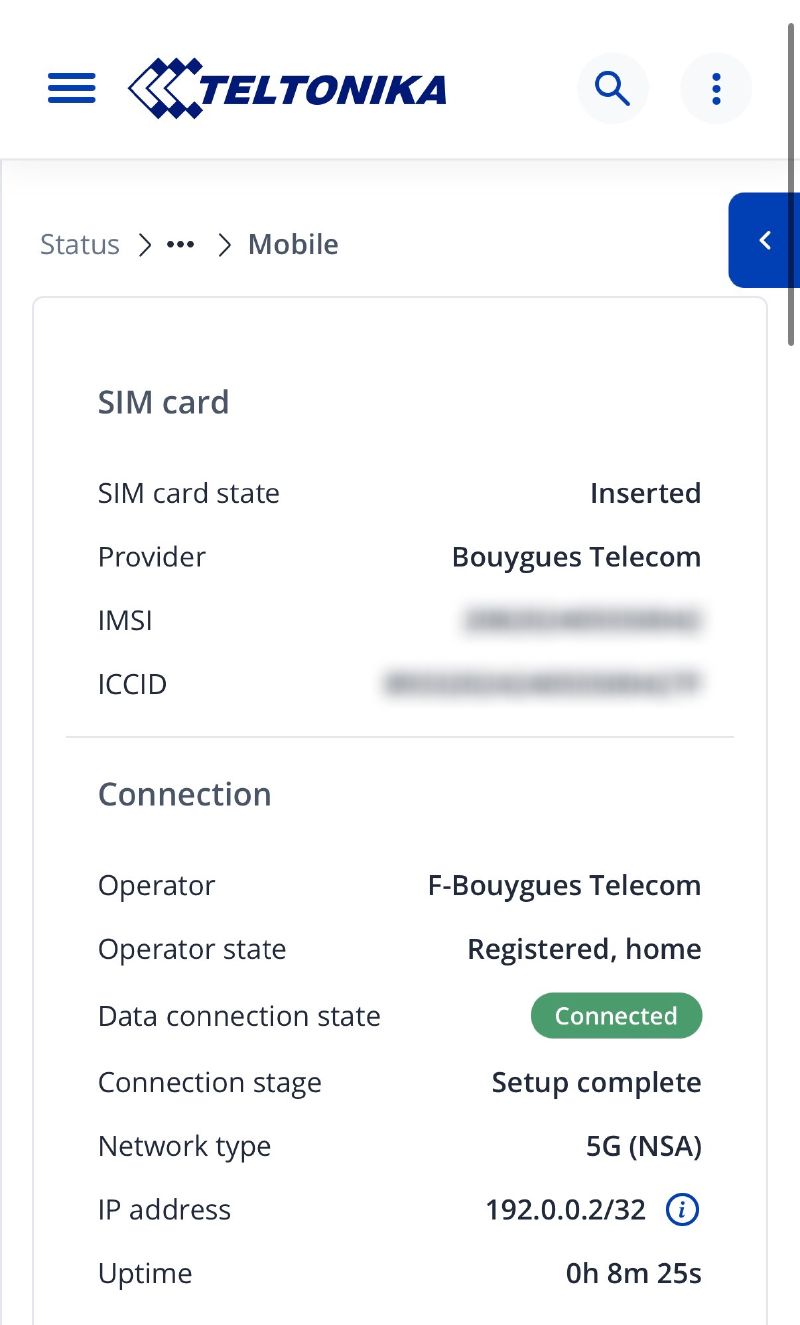
RutOS automatically detects the carrier and configures the APN (Auto APN), so there’s not much for me to do on that front. A few seconds later, the mobile connection comes up and the router shows the network type it’s connected to.
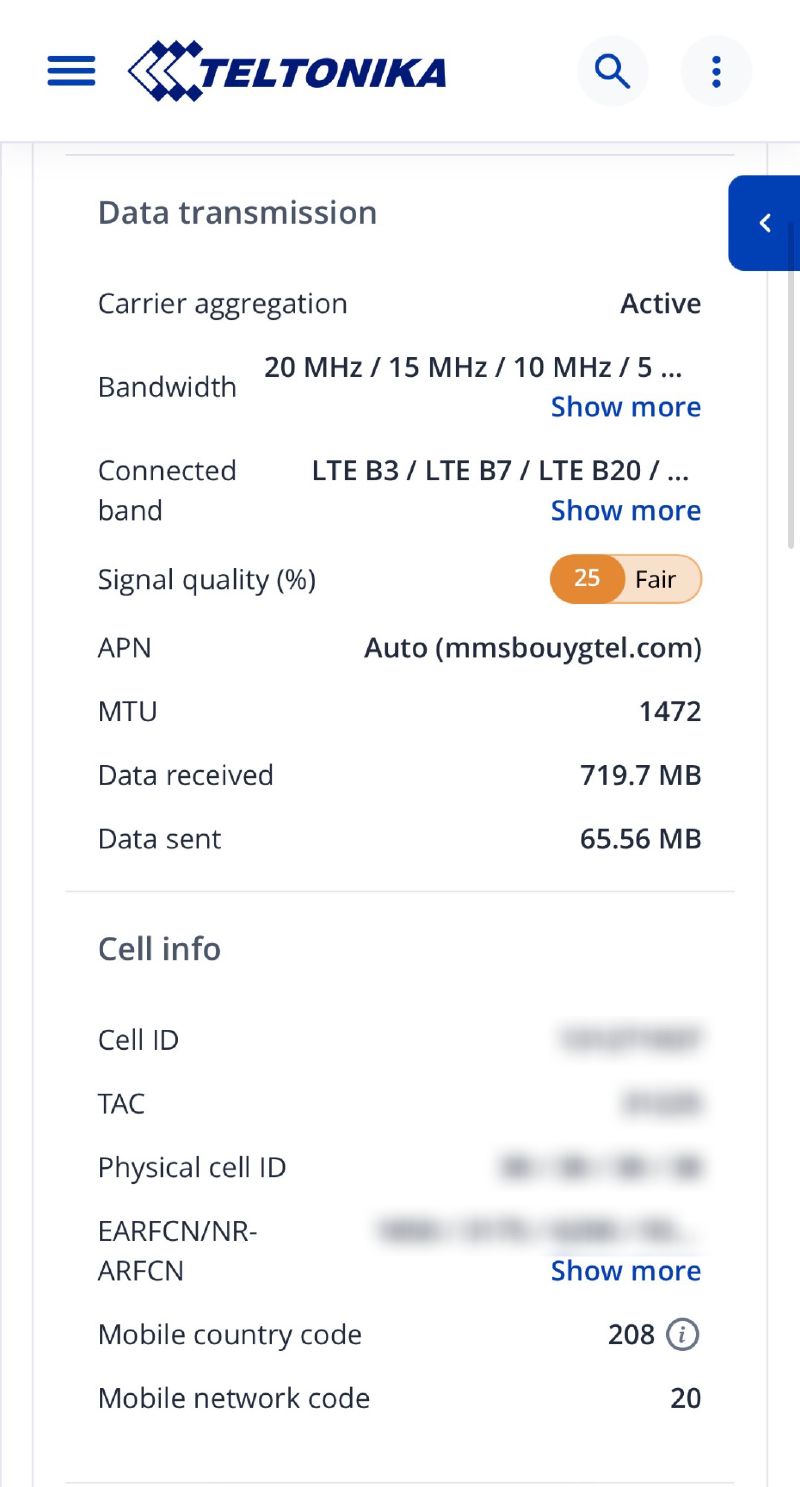
This is where the richness of RutOS really comes into its own: the interface displays an impressive level of detail on the mobile signal. RSRP, RSRQ, SINR, RSSI, connected band, cell ID… You get every indicator you need to gauge reception quality and, if necessary, reposition the router to get the best signal. For a backup link, that’s exactly what you want: knowing whether you can count on it when the day comes.
A quick speedtest to validate it:
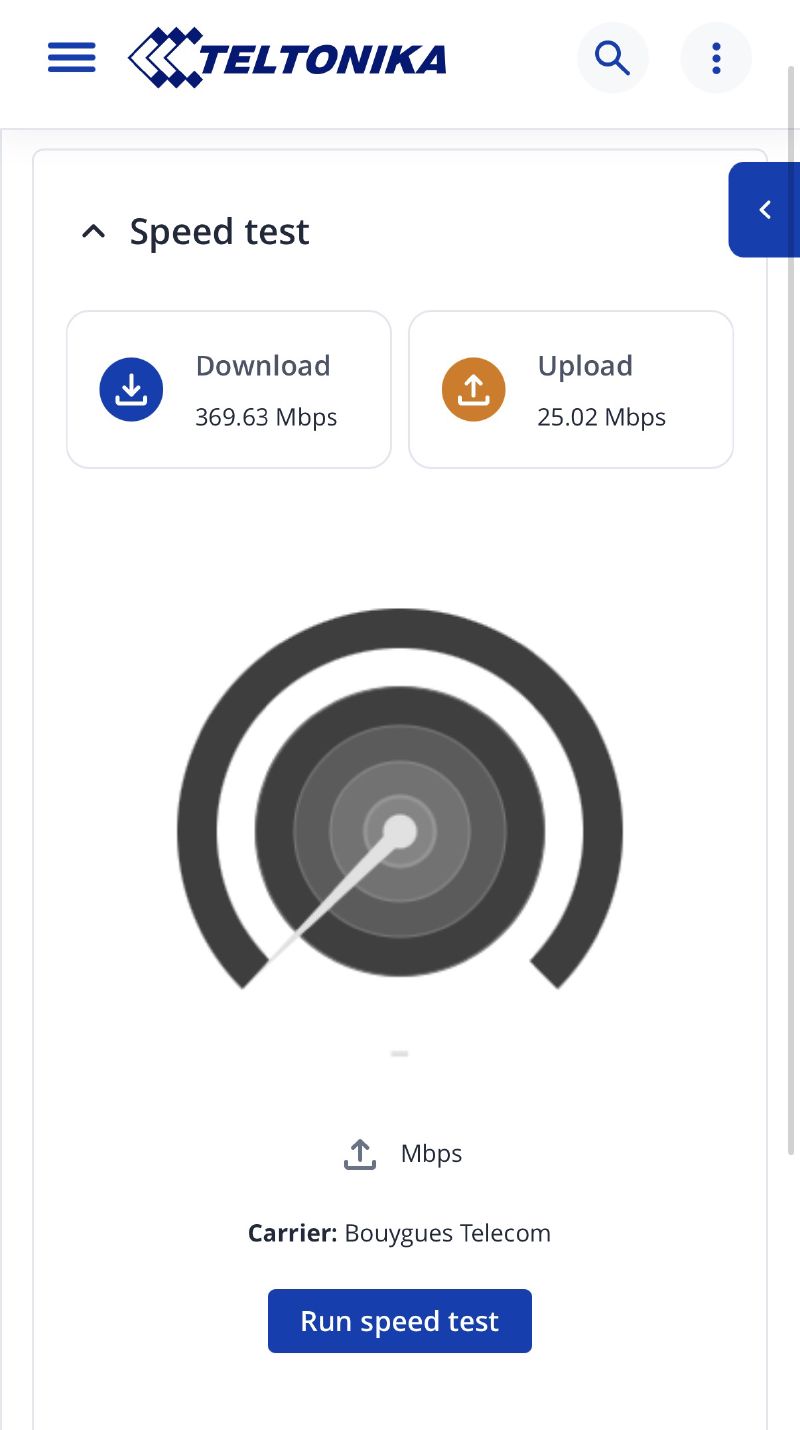
The throughput achieved (369 Mbps down and 25 Mbps up) is more than enough to keep the house running in the event of a fibre outage. We’re obviously not at the ~5 Gbps of the fibre, but for a backup, the goal isn’t raw performance: it’s about not being completely cut off from the world.
Integrating it as a backup on the UCG Fiber#
This is where the two worlds meet. The idea is simple: the Altos provides Internet access over 5G, and I present it to the UCG Fiber as a second WAN. The UCG Fiber then automatically switches over to it if the main fibre WAN goes down.
For now, I didn’t want to overcomplicate things: I left the Altos with its private LAN, so it does its own routing and its own NAT. Technically we end up with a double NAT (the Altos NATs, then the UCG Fiber NATs on top), which isn’t ideal on paper but has no real consequence for a backup use case.
Later on, I’ll look into whether it’s possible to put the Altos into bridge / passthrough mode so it passes the mobile connection straight to the UCG Fiber and we minimise the NAT layers. But that’ll be for a later optimisation, once the rest is properly in place.
On the cabling side:
- The Altos’s 2.5 GbE port is connected to the WAN1 port of the UCG Fiber, which will serve as its secondary WAN (WAN2 already carrying the interconnect fibre coming from the Freebox)
- The UCG Fiber is configured to use this link as failover: as long as the fibre works, everything goes through it; the moment it drops, traffic switches over to 5G
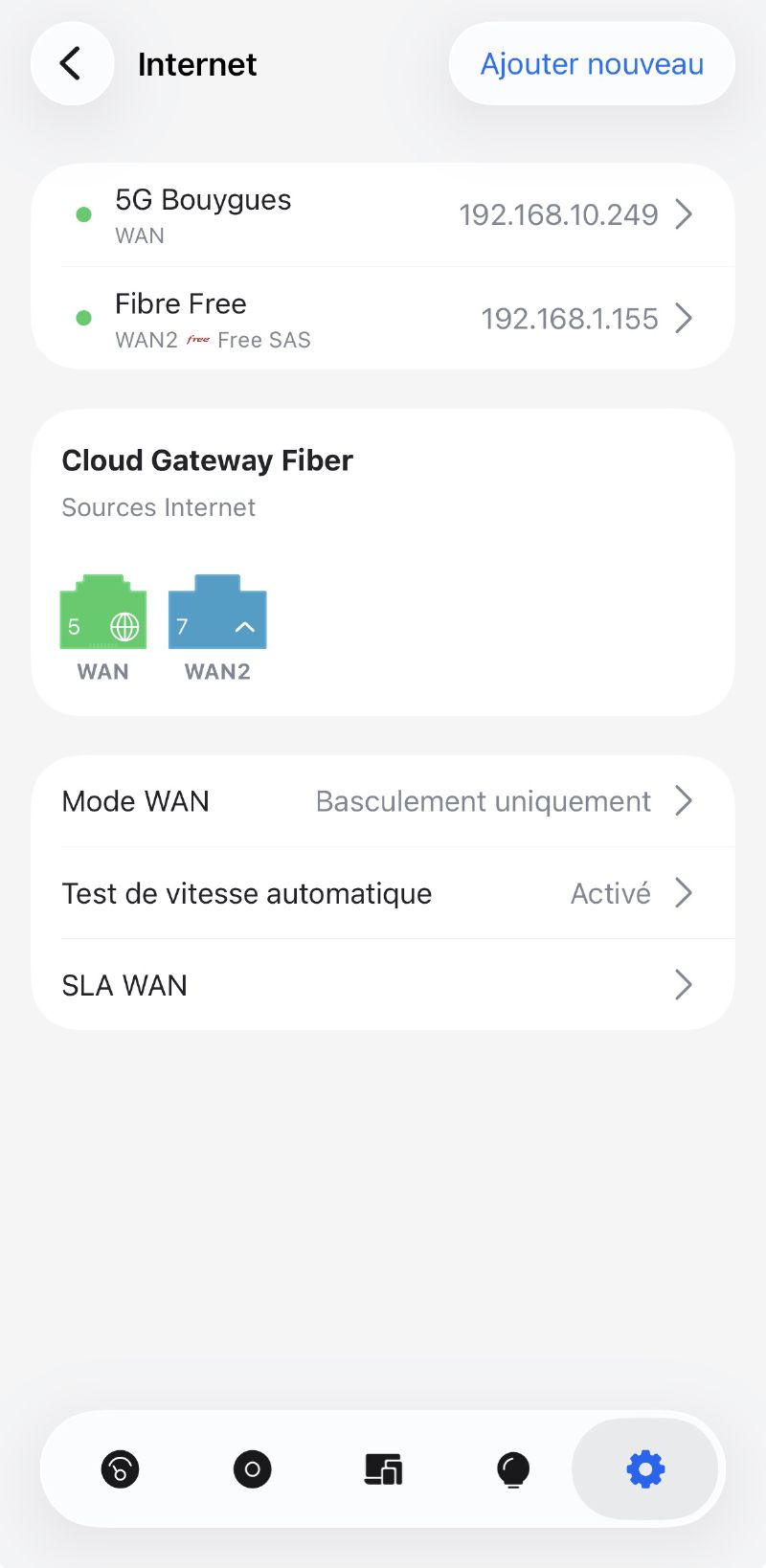
The failover test#
All that’s left is to check it all works for real. The simplest method: I unplug the fibre link (the DAC cable between the Freebox and the UCG Fiber) and watch.
After a few seconds, the UCG Fiber detects the loss of the main WAN and switches over to the 5G link. The house stays connected. I plug the fibre back in, and traffic automatically returns to the main connection.
First takeaways#
Setting up a 5G backup with the Altos is a real plus for the network’s resilience, and it fills the last big gap in my network infrastructure after the UniFi install.
What I liked:
- Serious hardware: you can feel Teltonika’s industrial heritage, it’s solid and comprehensive
- RutOS and its diagnostics: the level of detail on the mobile signal is excellent, perfect for validating the reliability of a backup link
- The form factor: understated, vertical, internal antennas, it blends in well at home
- The versatility: Wi-Fi 7, 2.5 GbE port, a mountain of network features… it’s almost overkill for my use as a plain 5G modem
The points that, in my opinion, are worth highlighting:
- The RutOS interface is dense and clearly designed for pros. Someone new to networking might feel a bit lost, especially coming from UniFi’s very consumer-friendly experience.
- No eSIM: physical Nano SIM only. Not a dealbreaker for me, but worth noting.
- Centralised management is paid: day to day, everything is managed locally on the router via its WebUI, which is more than enough for a single device. But to manage a fleet centrally, Teltonika offers its RMS platform, which runs on a paid licence model. Good news though: every Teltonika equipment purchase includes 30 days of free RMS licence, giving you enough time to get familiar with the platform before deciding whether it’s worth the cost for your use case. Nothing shocking for pro kit, and it stays very affordable compared to other manufacturers in the same world (hello Fortinet and Cisco), but it’s good to know.
For my specific need (a reliable 5G backup link, driven by the UCG Fiber) the Altos does the job with a comfortable margin. It’s even a bit of heavy artillery for a backup use case, but I quite like the idea of having robust hardware on this critical function.
Useful links#
What’s next#
With this 5G backup in place, the network side of my homelab is now well rounded functionally: fast fibre, VLAN segmentation, Wi-Fi 7 and now Internet redundancy.
But let’s be honest, there’s still work to do on the network side:
- Tidying up the rack: for now everything is sitting in temporarily, all over the place, it’s going to need a proper clean-up.
- Adding UniFi switches to replace the old unmanageable Netgear gear and extend the network properly.
And beyond the network, I’m also planning a dedicated article on power, notably adding a UPS to protect all this from power cuts (because a 5G backup is great, but if all the kit shuts down at the slightest micro-outage, we haven’t really gained much).
We can then move on to the next parts, which will be dedicated to the homelab proper:
- Clean reinstallation of the Proxmox cluster
- Organising the VMs and containers
- Migrating the OPNsense node (which becomes redundant with the UCG Fiber)
- Connecting the homelab to the new network via the Lab VLAN
And a big thank you to Teltonika Networks for this first partnership and the trust placed in this little blog.
See you soon!